

SciSocket User Manual
Please read this manual carefully before using the product and keep it for future reference.
Models S21-UK · S21-EU · S21-US · S21-FR · S21-CH
Version 3.0 · November 2026
❶ Find your model
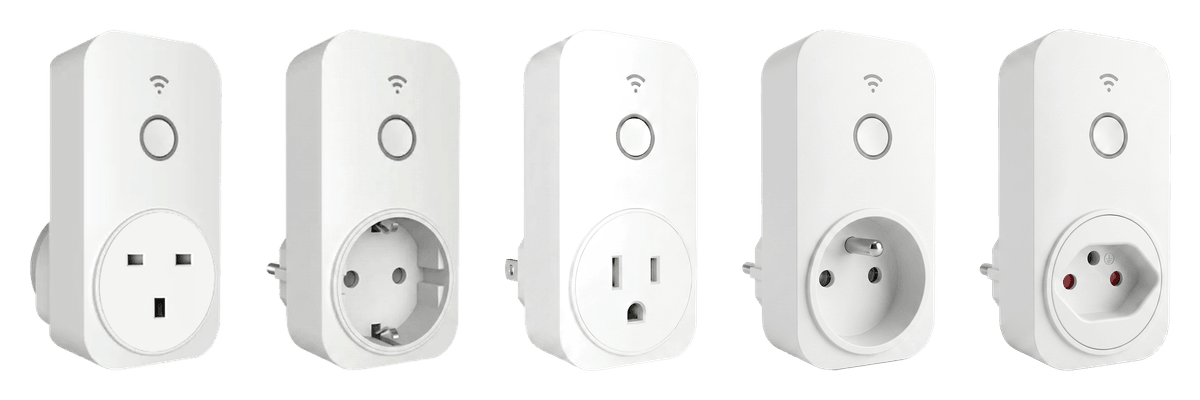
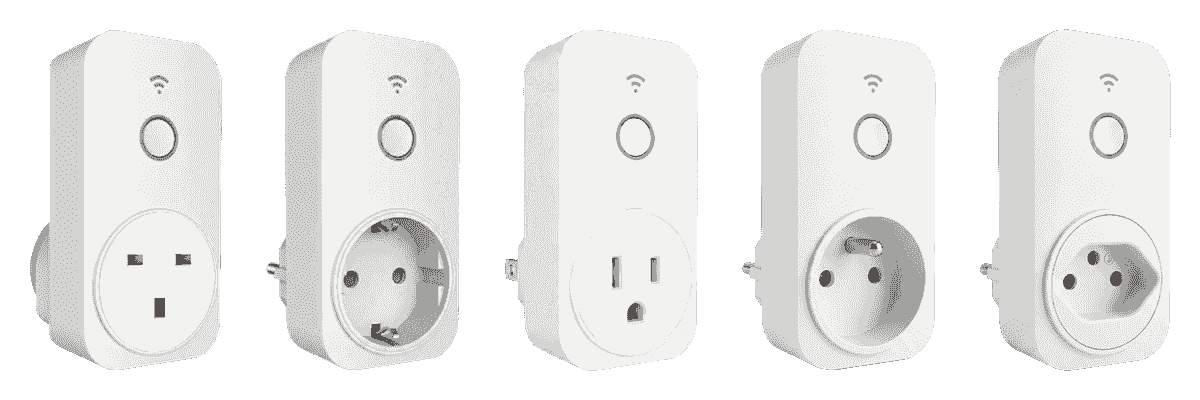
All SciSocket models work the same way. They differ only in plug type and electrical rating. Check the model name on the label on the back of your SciSocket.
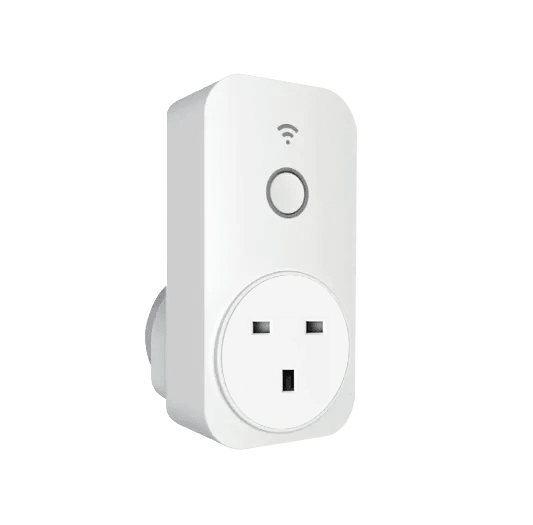
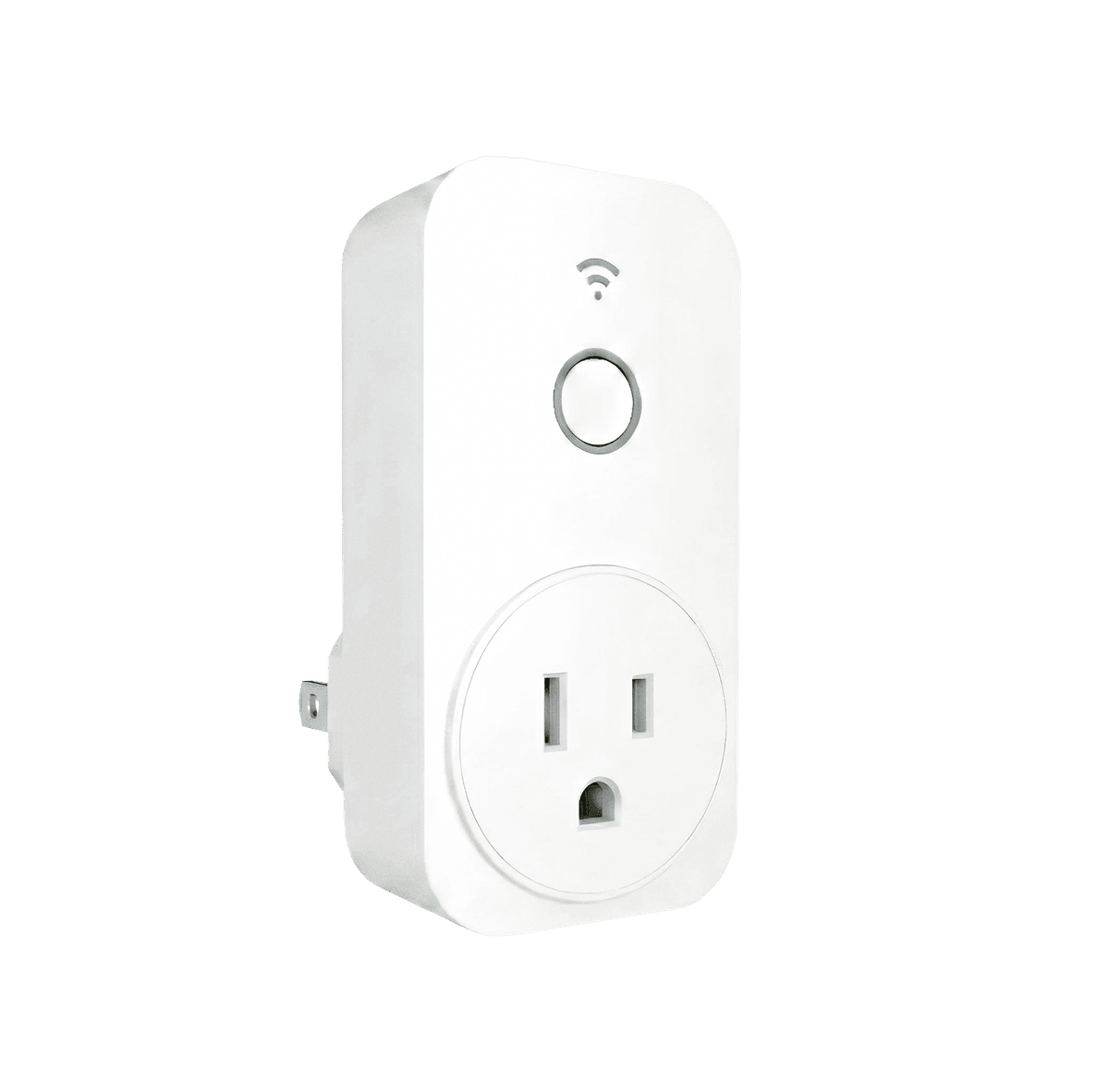
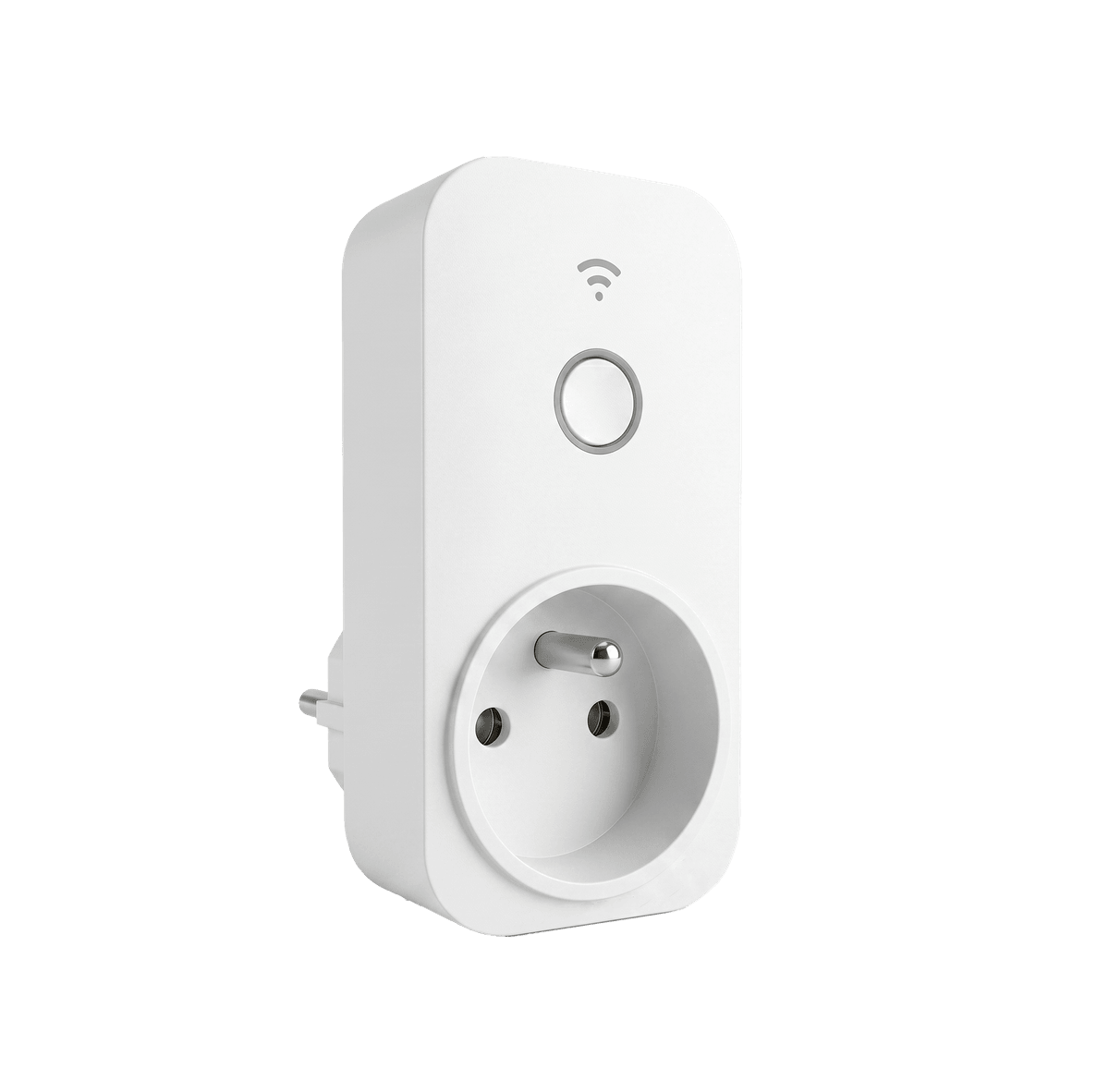
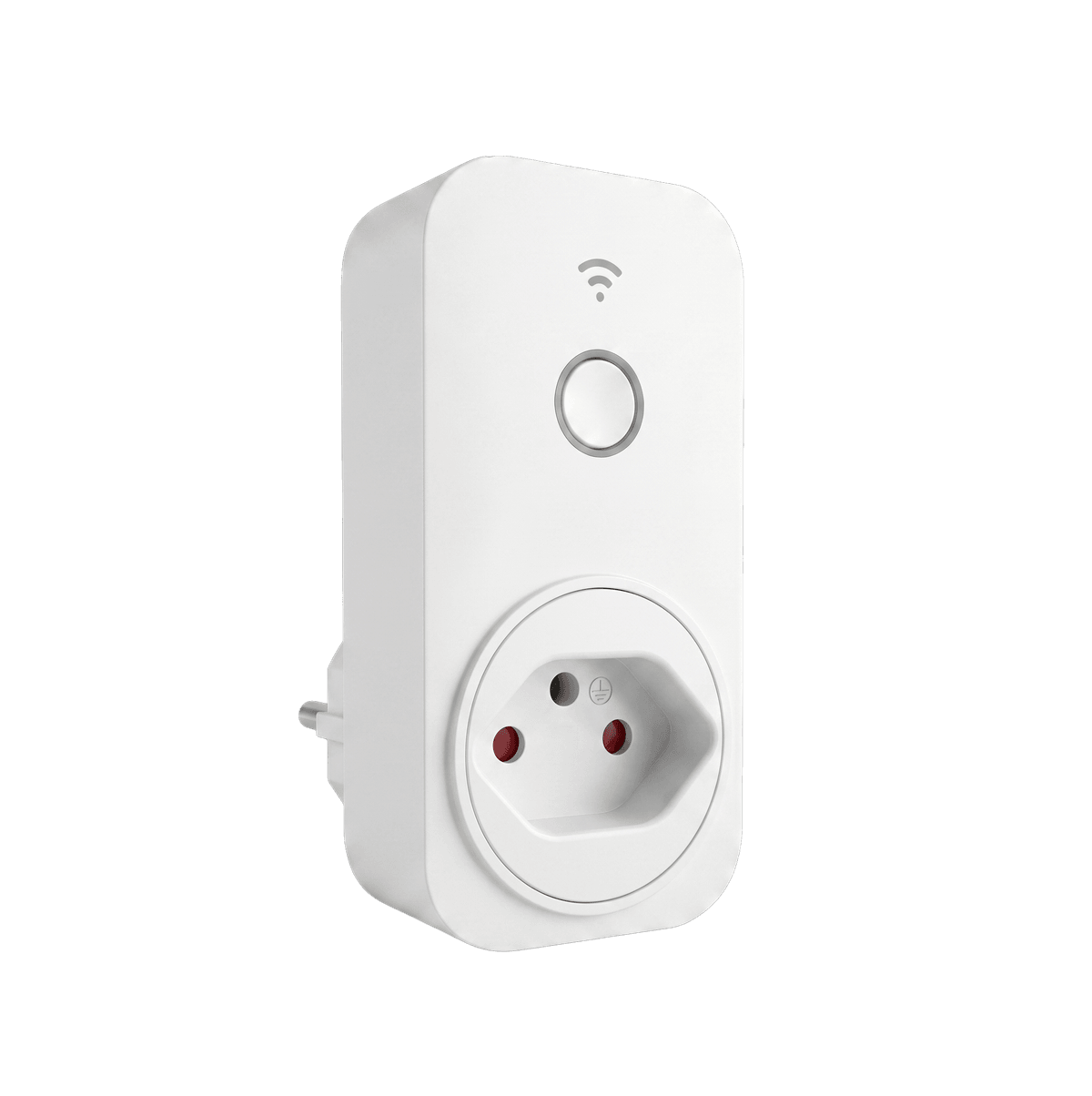
S21-UK
United Kingdom, Singapore, Hong Kong etc.
Plug Type G
Voltage AC 180–250 V
Current 13 A max
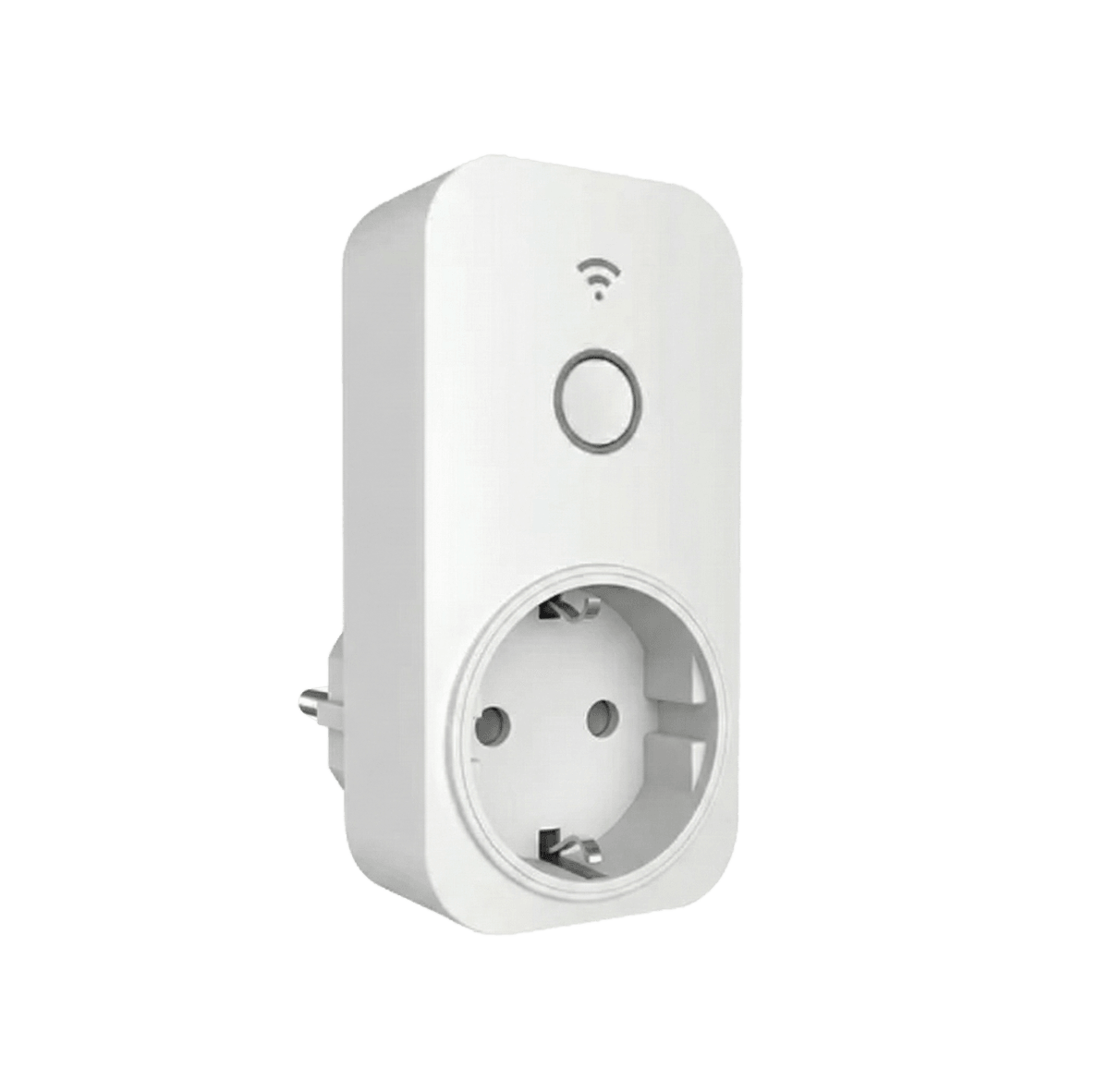
S21-EU
Germany, Netherlands and most of the EU
Plug Type F
Voltage AC 230 V
Current 16 A max
S21-US
United States
Plug Type B
Voltage AC 120 V
Current 15 A max
S21-FR
France, Belgium
Plug Type E
Voltage AC 230 V
Current 16 A max
S21-CH
Switzerland
Plug Type J
Voltage AC 230 V
Current 10 A max
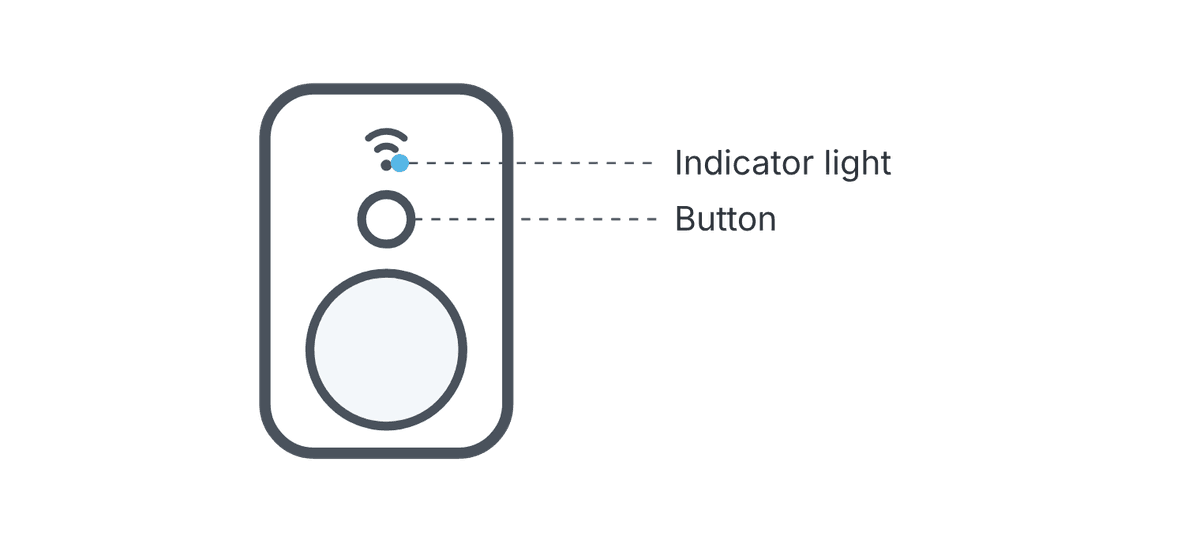
❷ Product overview

❸ Network configuration
Install the SciOne LabOps SG app
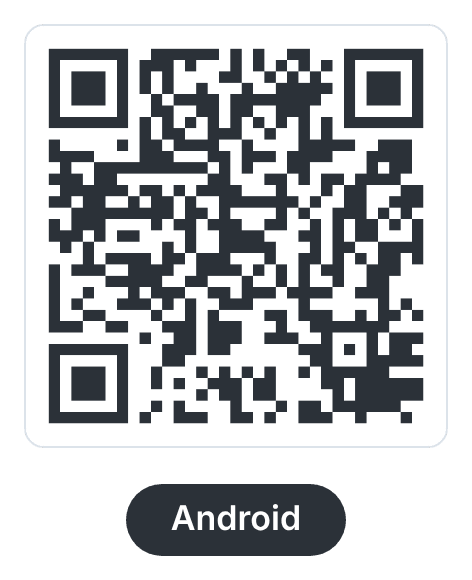
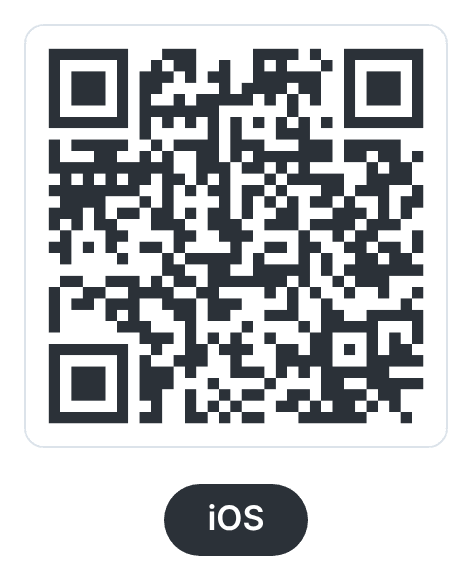
Scan a QR code or tap the button for your phone. Then connect your phone to a 2.4 GHz Wi-Fi network.
Add the SciSocket in the app
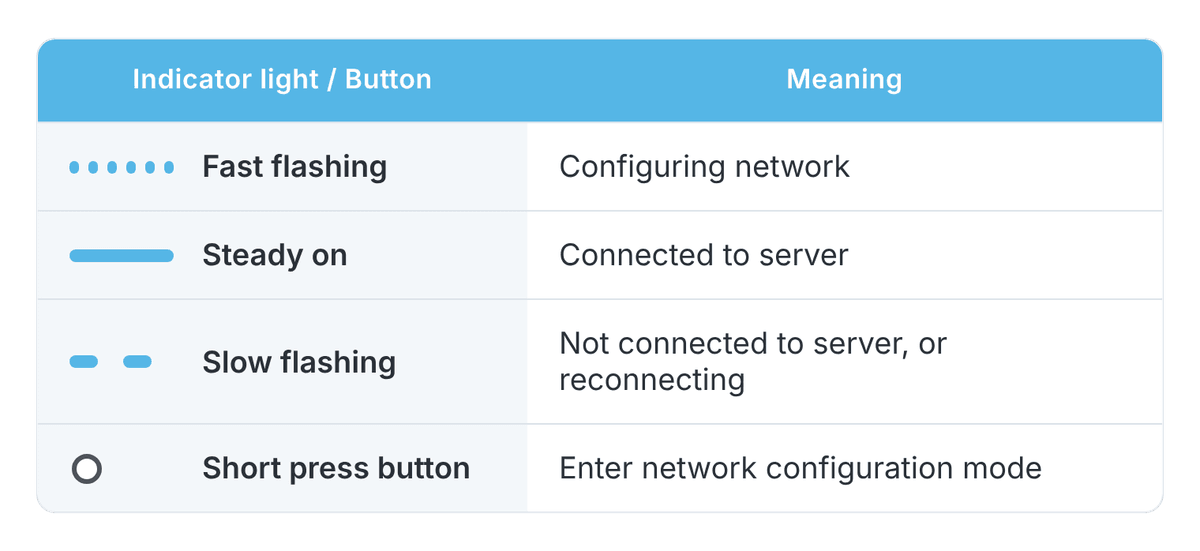
Turn on Bluetooth on your phone, open SciOne LabOps SG, and follow the on-screen instructions. The indicator light flashes fast while the SciSocket is being configured and stays on once it is connected.
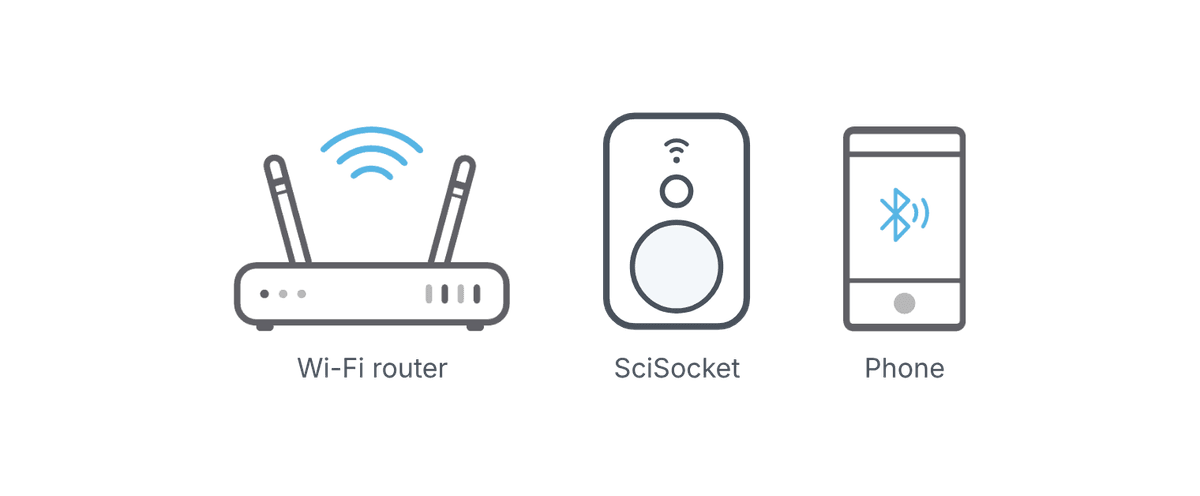
| SciSocket works on 2.4 GHz Wi-Fi only. 5 GHz networks are not supported.
❹ Specifications
Operating voltage and current
Operating temperature
Relative humidity
Communication
Wi-Fi range
Environment
Depends on model. (See Find your model).
0 °C to +50 °C
0 % to 95 % (non-condensing)
Wi-Fi 2.4 GHz (2400-2483.5 MHz), Bluetooth for setup
Up to 20 m in open space
Indoor use only
❺ Operating requirements
- The device you plug into the SciSocket must not draw more than the rated current of your model (see Find your model).
- Use the SciSocket within its operating temperature range (0 °C to +50 °C) to avoid malfunctions.
- Place the SciSocket in a ventilated, cool area away from direct sunlight. Do not wrap, cover or place it in an enclosed space.
- Keep it away from heat sources and open flames, such as heaters, ovens or candles.
- Do not place items like candles or containers of liquid on the device. If a foreign object or liquid gets inside, stop using it, disconnect power and contact your dealer.
❻ Regulatory information
CE: EU declaration of conformity
Applies to S21-UK, S21-EU, S21-FR, S21-CH
Hereby, iLabService LLC declares that the SciSocket radio equipment is in compliance with Directive 2014/53/EU. The full text of the EU declaration of conformity is available at www.ilabservice.us/aboutus.
Do not dispose of this product with household waste. Take it to a collection point for the recycling of electrical and electronic equipment.
FCC authorization pending
Applies to S21-US
This device has not been authorized as required by the rules of the Federal Communications Commission. This device is not, and may not be, offered for sale or lease, or sold or leased, until authorization is obtained.
FCC certification for S21-US is in progress. The FCC ID and the full FCC statement will be published on this page once certification is granted.